Shopify Checkout Optimization: 5 Fixes to Recover Lost Sales
Your Shopify store can have great products and strong traffic—and still lose customers at checkout.
Baymard Institute’s research puts average ecommerce cart abandonment at over 70%. Not every abandoned cart is caused by UX, but checkout friction is one problem businesses can actively investigate and improve.
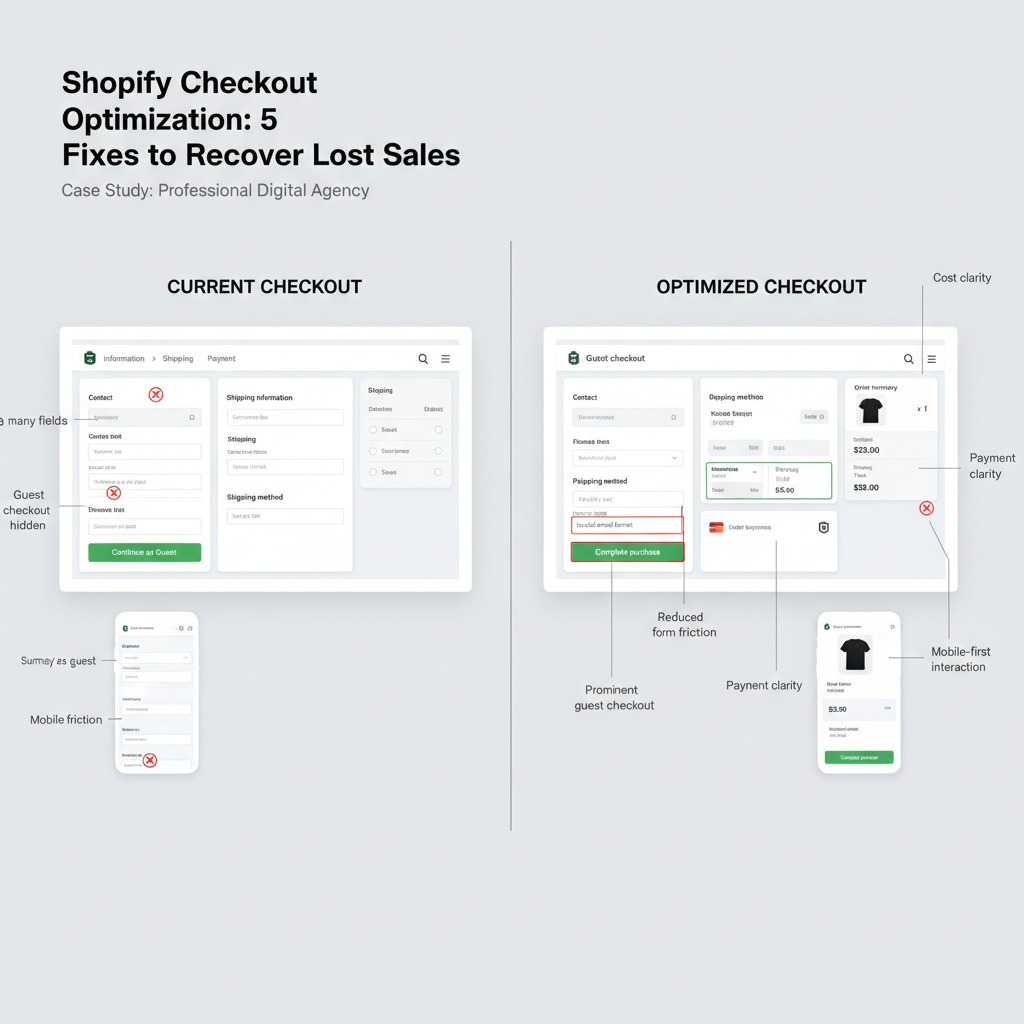
5 Checkout Problems to Fix
Show Costs Early
Make shipping, taxes, discounts and the expected total clear before the final payment step.
Make Guest Checkout Easy
Don’t force customers to create an account before they can complete a purchase.
Remove Unnecessary Fields
Only request information genuinely required to process and deliver the order.
Optimize Mobile Checkout
Test forms, buttons, autofill, scrolling and payment selection on real smartphones.
Build Payment Trust
Keep the order total, payment options and purchase action clear and predictable.
Don’t redesign what you haven’t diagnosed.
We identify the UX, technical and conversion problems first, then design the solution around evidence—not assumptions.
Is your checkout losing customers?
Get our 10-Point Shopify Checkout Audit Checklist and explore the ecommerce work behind our approach.
Source: Baymard Institute