Getting visitors to your Shopify store is a good sign. But when your analytics show plenty of sessions and your sales remain low, it can be frustrating.
You may start thinking you need more advertising, more social media posts or more traffic.
But high sessions and low sales can indicate a different problem.
Your visitors may be encountering friction somewhere between landing on your store and completing their purchase.
This is where ecommerce conversion rate optimization (CRO) becomes important.
The goal isn’t simply to get more visitors. It’s to understand why visitors leave without buying and remove the barriers stopping qualified shoppers from purchasing.
1. Start With Your Product Page Optimization
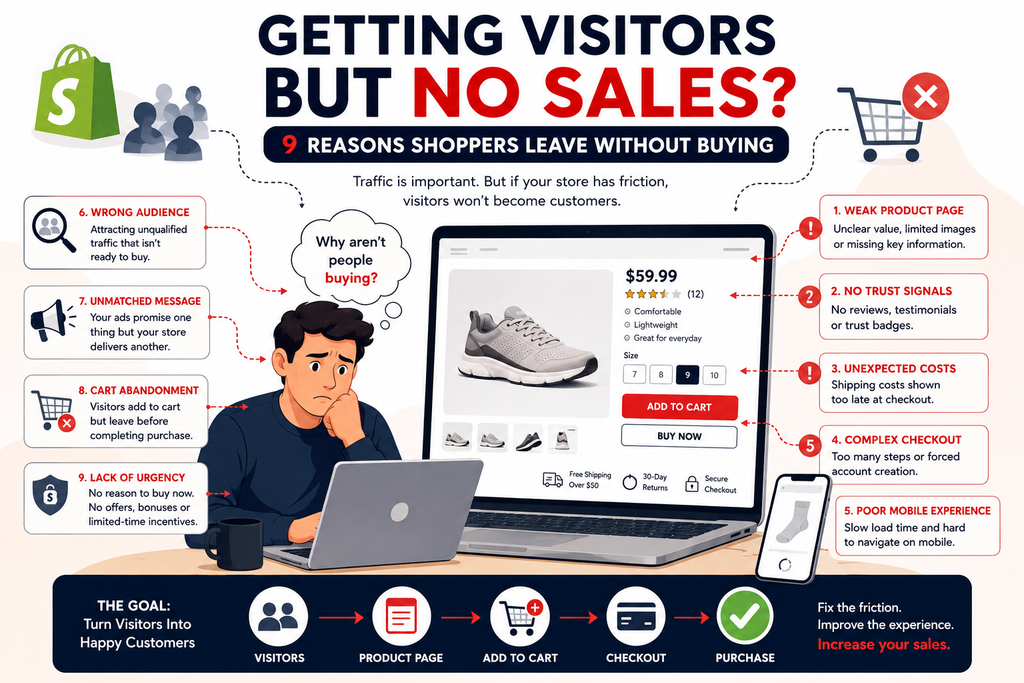
Your product page is one of the most important parts of the buying journey.
A visitor should quickly understand:
- What the product is
- What problem it solves
- Why they should choose it
- How much it costs
- When they can receive it
- What happens if they change their mind
Don’t rely only on product specifications.
Explain the benefits, show the product from useful angles and provide enough information for someone to make a confident decision.
Your Add to Cart conversion rate can suffer when shoppers have unanswered questions.
Baymard’s ecommerce UX research describes the product page as a central part of the purchase decision and has identified thousands of usability issues through extensive testing.
2. Build Trust Before Asking for the Sale
A first-time visitor doesn’t know your business yet.
That means your store needs to answer a silent question:
“Can I trust this company with my money?”
Useful trust signals for ecommerce include:
- Genuine customer reviews
- Testimonials
- Clear shipping information
- Easy-to-find return policies
- Contact information
- Secure payment options
- Consistent and professional branding
Customer reviews and social proof are particularly useful because shoppers can use other customers’ experiences to evaluate an unfamiliar product or business.
Trust shouldn’t be something the customer has to search for.
3. Make Shipping and Pricing Clear
A customer may be interested in your product until they discover additional costs.
Unexpected shipping costs, unclear delivery times or a final price that is significantly different from what they expected can create hesitation.
Baymard’s research identifies extra costs, including shipping, taxes and fees, as a major reason shoppers abandon checkout.
Where possible, make important pricing and delivery information visible before the customer reaches the final payment step.
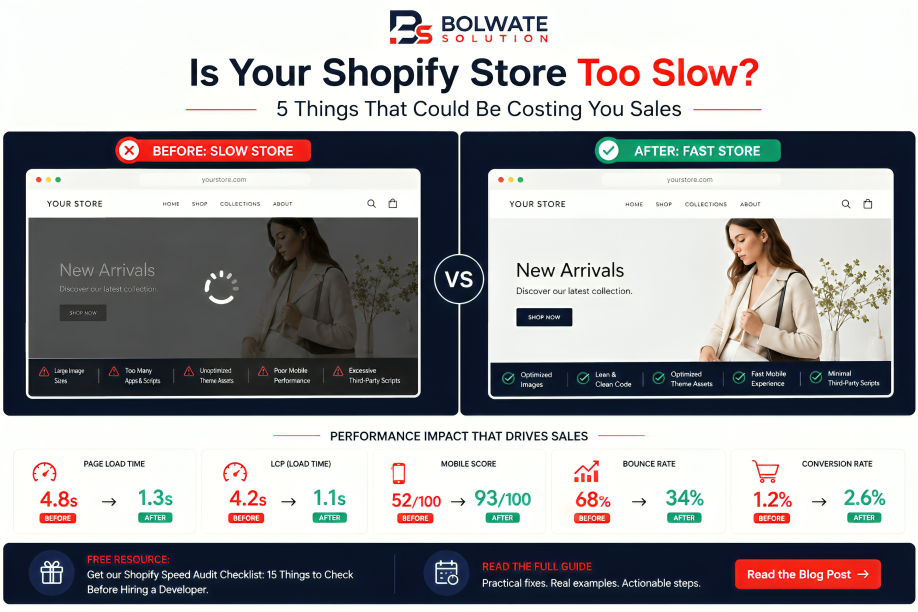
4. Check Your Mobile Experience
Your Shopify store may look perfect on a laptop and still create problems on a phone.
Test the complete journey yourself:
Landing page → Product page → Add to Cart → Cart → Checkout
Pay attention to:
- Slow loading
- Small buttons
- Difficult navigation
- Poor image loading
- Hard-to-select variants
- Pop-ups covering important content
- Difficult checkout forms
Mobile page speed optimization should be considered part of conversion optimization, not just a technical SEO task.
5. Make Your Call to Action Obvious
A visitor shouldn’t have to search for the next step.
Your call to action (CTA) should be clear, visible and easy to understand.
For a product page, that might be:
Add to Cart
or
Buy Now
The important thing is that the customer knows exactly what happens next.
Avoid surrounding the primary purchase action with unnecessary distractions.
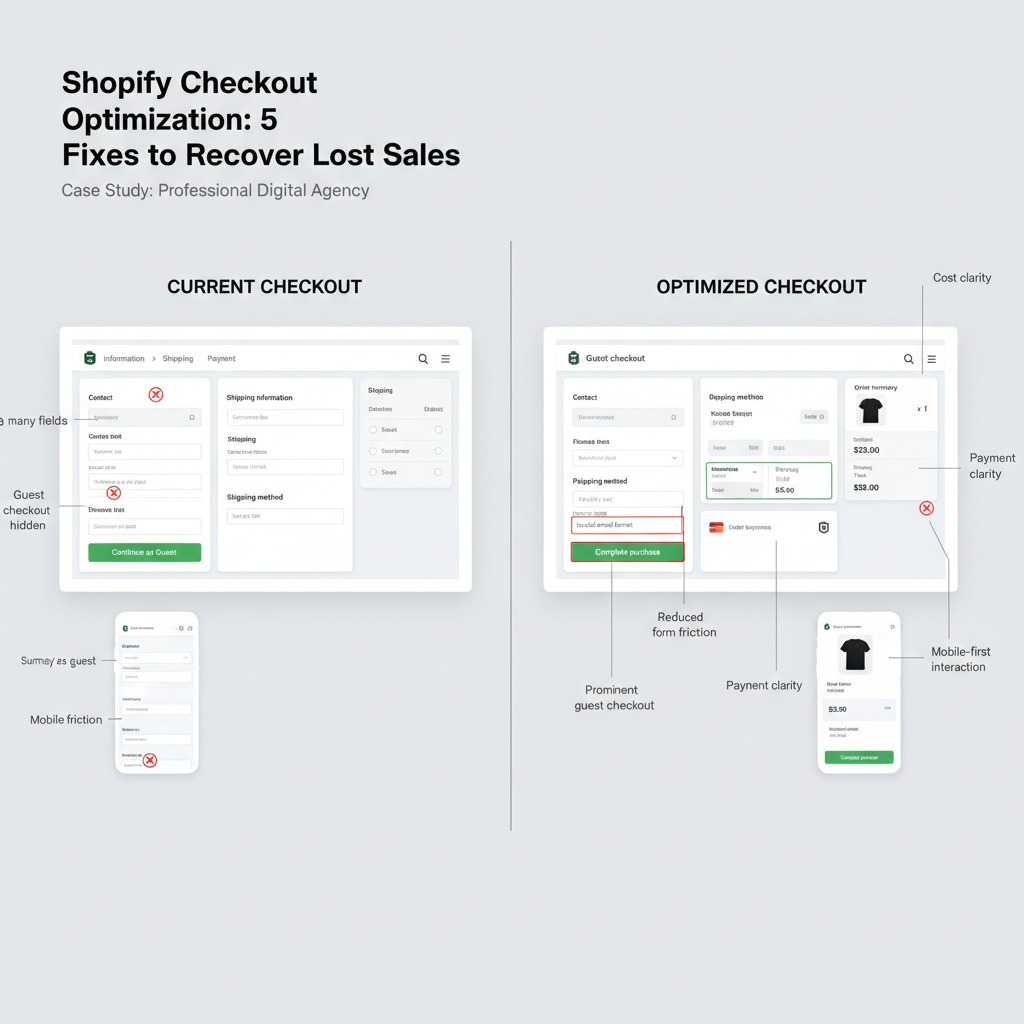
6. Look at Your Cart and Checkout
If visitors are adding products to their carts but aren’t completing purchases, investigate the checkout experience.
Baymard’s current research puts average ecommerce cart abandonment at about 70%, while also finding that checkout usability itself can cause significant abandonment.
Look for:
- Unexpected costs
- Complicated forms
- Forced account creation
- Unclear delivery information
- Payment problems
- Poor mobile usability
A frictionless guest checkout can be preferable to forcing a first-time customer to create an account before completing their order.
7. Your Traffic Might Not Be the Right Traffic
Sometimes the problem isn’t the store.
It’s the people arriving at it.
If your advertising attracts people who are curious but aren’t actually interested in purchasing, you can have excellent traffic numbers and terrible sales.
This is mismatched buyer intent.
Review:
Who is clicking?
What did the advertisement promise?
What does the landing page offer?
Is the visitor actually looking for your product?
For example, improving Meta ads conversion optimization isn’t only about changing the advertisement. The message should connect naturally with the landing page and product experience.
8. Make the Ad and Landing Page Match
Imagine your advertisement says:
“Get 30% off today.”
The visitor clicks and lands on a page where they cannot immediately find the offer.
You’ve created friction before they’ve even evaluated the product.
Your journey should feel consistent:
Ad → Landing Page → Product → Cart → Checkout
The promise that earned the click should be clear when the visitor arrives.
9. Don’t Assume More Traffic Will Fix Low Sales
This is one of the biggest mistakes ecommerce businesses make.
If your store already receives visitors but struggles to convert them, buying even more traffic may simply increase the number of people experiencing the same problems.
Instead, identify where visitors are dropping:
Traffic
↓
Landing Page
↓
Product Page
↓
Add to Cart
↓
Checkout
↓
Purchase
Each stage tells you something different.
If visitors leave immediately, investigate the landing page and traffic quality.
If they view products but don’t add to cart, investigate your product presentation, pricing, value proposition and trust.
If they add to cart but don’t purchase, investigate your cart and checkout.
Why Your Shopify Store Has Traffic But No Sales (And How to Fix It)
Before increasing your advertising budget, ask these five questions:
1. Can a first-time visitor understand my offer immediately?
2. Does my product page answer the questions a buyer would have?
3. Do I provide enough trust signals?
4. Are shipping, pricing and returns clear before checkout?
5. Can someone comfortably complete the purchase on mobile?
If several answers are no, you may have a conversion problem rather than a traffic problem.
Final Thought
Getting traffic is only the beginning.
The real opportunity is turning the visitors you already have into customers.
Product page optimization, trust, pricing transparency, mobile UX, checkout usability and qualified traffic all work together.
So before asking:
“How can I get more visitors?”
Ask:
“Why aren’t the visitors I already have buying?”
That is where you should start when trying to fix low Shopify sales and increase your Shopify conversion rate.